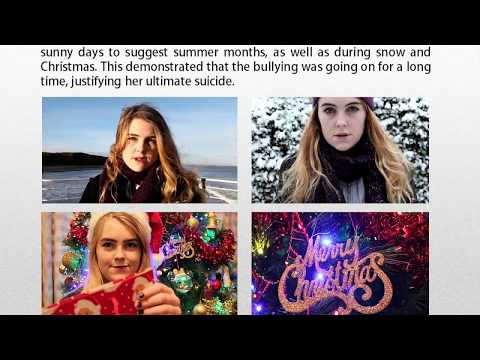
I took these from my footage by taking screenshots of the videos. This ensures that the images in the double page spread are cohesive with the film itself.

and pasted them into a Microsoft Word document, where I saved them as a PDF file...

I opened these files in Photoshop to begin my editing. I increased the vibrancy and saturation of the images subtly in order to make them stand out well against the white background of my double page spread...

They did not need much editing other than this but I did use the 'spot healing' tool here to reduce some of the redness in my actor's face. This ensured that the eyes were the focal point of the image...

I then saved these from Photoshop as JPEG files...

and used the 'rectangle frame' tool to set out how big I wanted each to be on the page...

I then used the 'place' tool in InDesign to import them onto the page inside my frames and used the 'fitting' setting to 'fit content proportionally...

Next time I will be adding the finishing touches to my double page spread, including the heading, captions, page numbers and star rating.



No comments:
Post a Comment